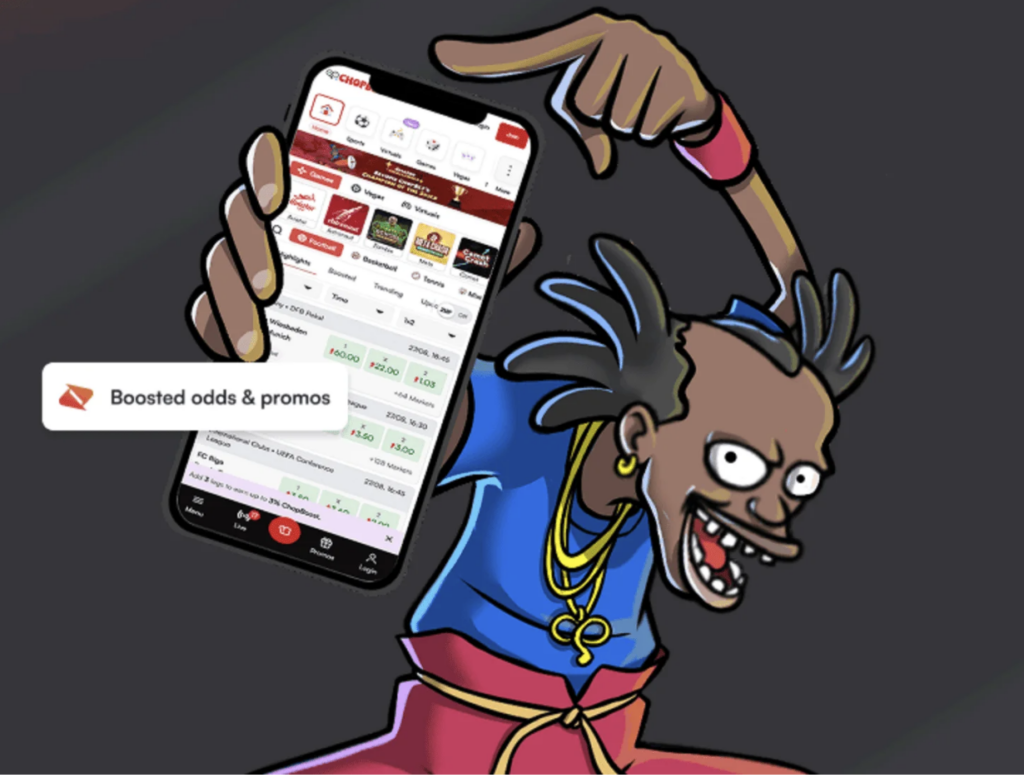
The first click is the Sign Up button at the top right of the website. The form comes next. Enter your details, then confirm your cellphone number with the code sent by SMS. Registration is free and carries no obligations; the account lets you manage your betting activity.
Jabula Bets is licensed under operator licence number 10190512, with regulation by the Western Cape Gambling and Racing Board. The three-step Jabula Bets sign up process includes the form and SMS verification; identification and banking documents also need preparation.
Have Your Phone and Paperwork Ready
Your cellphone number becomes your username. Keep the phone you actively use available to receive the registration SMS.
Have your full names, South African ID or passport number, email address and source-of-funds information ready to hand when filling in the form. You will also need a steady mobile data or Wi-Fi connection.
| Item | What to prepare |
| Cellphone | An actively used number with working SMS reception |
| Identity document | A valid Green South African ID Book, Smart South African ID Card or unexpired passport |
| Banking document | A recent South African bank statement or proof-of-bank letter |
| Connection | Mobile data or Wi-Fi strong enough to complete registration |
You must be at least 18 years old and register in person, providing accurate and complete details. Incorrect or incomplete information will result in your application being rejected. Choose a secure password dedicated to this account and keep your account credentials safe.
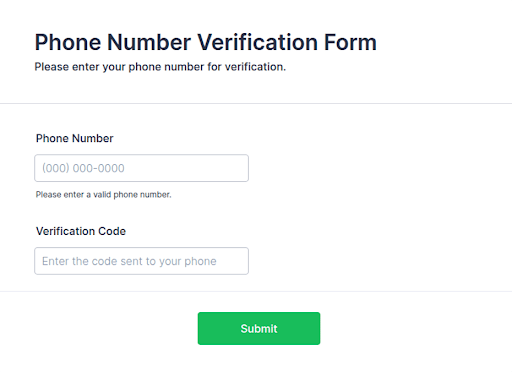
Keep the cellphone receiving your registration SMS within reach. (source: Jotform)
Complete the Form and Confirm the SMS Code
Registration involves three steps. Have your phone nearby when filling in the website form so you can enter the code sent to your number.
- Open the form. Click Sign Up in the top-right corner of the website.
- Enter your details. Follow the form instructions, supply the requested personal and contact information, and select your password. Check for spaces before or after the mobile number and password.
- Confirm the number. Enter the one-time password sent to your cellphone by SMS.
An OTP is a short, temporary code. Entering it demonstrates access to the supplied phone number, and phone verification helps deter fake registrations and automated accounts. SMS codes can be intercepted, so keep the code private alongside your other credentials.
Successful registration logs you in automatically. After successful verification, account establishment is confirmed by email and/or SMS. Completing the registration form also constitutes acceptance of the website’s terms and betting rules, so read them before submitting.
Fix Entry Errors and Connection Problems
Spaces can cause login problems. Remove any leading or trailing spaces. Passwords are case-sensitive, so make sure that the letters match the password exactly as you registered it when you return to log in.
Having an inactive number can create another obstacle: invalid or disconnected numbers can prevent an SMS code from being sent, which can block account creation. Use a number that is actively used and has SMS reception. Travellers who disable their regular SIM or text messaging service may also lose access to one-time passwords.
For registration assistance, use website Live Chat, WhatsApp on 0730012129 or the call helpline on 02156507222. If you have a weak signal, check your connection before continuing. Use mobile data or Wi-Fi strong enough to complete registration.
Once You Are In: Verification and a First Deposit
As part of compliance with the Financial Intelligence Centre Act 2001, identity checks are required before an account can be created. All necessary FICA documents must be submitted and verified before any winnings can be withdrawn.
To submit documents online, log in and click on the profile icon in the top right corner. Then select ‘My Profile’ and then ‘My Documents’. Upload the required documents. Finally, confirm your source of funds and click ‘Update’.
Use current identity documents. Take a photograph of them when submitting. Ensure that all four corners are clearly visible and that the front and back of a Smart ID Card are included. If you cannot provide an identity document for reasons accepted by the operator, a current, valid driving licence showing both sides may be accepted instead.
Banking documents must be recent. Provide a South African bank statement or proof-of-bank letter dated no earlier than three months before registration. The document must show your name, address and account number, and must match your identification. The bank document must carry a dated certification stamp. Bank statements for verification purposes must be original PDFs obtained directly from the bank – screenshots of online banking are not accepted.
Withdrawals are made to the bank account specified in the document you submitted, so check those details before proceeding. Support can help you check your FICA status. When you make your first deposit, you can use the account to place bets with real money and set your communication preferences.
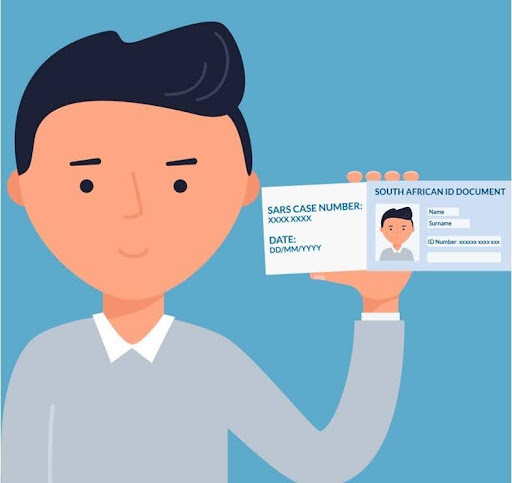
Check names and banking details before submitting FICA documents. (source: SARS)
Questions About Access and Account Ownership
Where Can I Get Help with a Forgotten Password?
Password changes require SMS reception. Make sure you keep your registered number active and open the Help Centre via the tab on the right of the website for articles on how to manage your account.
What Matters When Changing My Mobile Number?
You will receive an SMS message to your registered mobile number whenever you change your username. Ensure that your account information is always true, accurate and complete.
Can I Open Another Account or Register for Someone Else?
You may only hold one account in your own name and on your own behalf. Do not give anyone else access to your account, including minors.
18+ only. Free gambling counselling: Call 0800 006008.