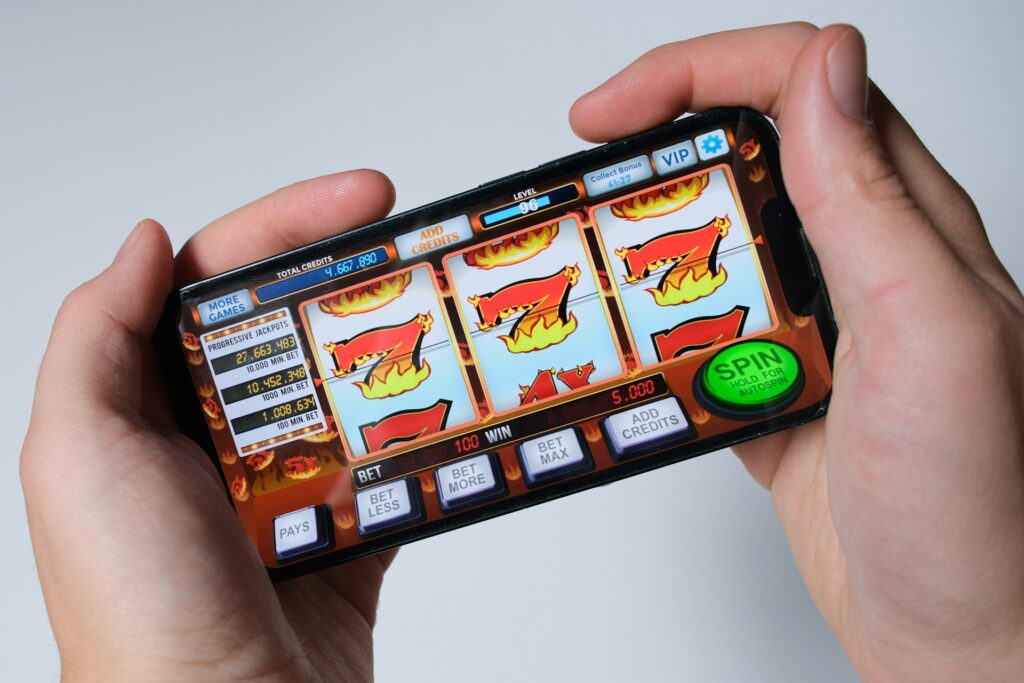
Here’s a thing most app guides get wrong: they’re written as if everyone has a flagship phone, full 4G, and nothing better to do than read instructions. In Kenya the reality is a Tecno or Itel that’s a few years old, a signal that’s great in Westlands and patchy the moment you’re past Thika Road, and a WhatsApp forward from a cousin telling you which app to use. Login haraka bet & app download works fine in that world too, but a few details matter more here than they would somewhere with better infrastructure, so let’s go through it properly.
Getting the app onto your phone
It’s not on the Play Store. That trips people up sometimes, like it’s a red flag, but it isn’t – Google’s policy blocks real-money gambling apps from the Play Store everywhere, not just here, so every serious betting operator does the same thing: a direct APK download from their own site.
The file itself is small. Around 12MB, which on Kenyan data bundles is basically nothing, and the whole download-and-install takes about 30 seconds on decent 4G. You’ll hit one speed bump along the way – Android blocks installs from outside the Play Store by default, so there’s a setting called “unknown sources” you need to switch on first. Do that, install the app, then switch it back off. People skip that last part constantly. Worth doing anyway.
If you’d rather skip installing anything at all, the mobile browser version holds up well on its own. It’s built to run smoothly even on 3G, the buttons are big enough to tap while walking (or standing in a matatu, which is apparently a real use case someone thought about), and the betslip doesn’t cover up the odds the way some sites manage to mess up. Plenty of people just use that and never bother with the app.
Logging in, and why it sometimes doesn’t work
The login screen itself is nothing complicated – phone number, password, in you go. What’s worth knowing is why it occasionally fails, because it’s rarely what people assume.
Most of the time it’s the connection, not the password. Somewhere outside central Nairobi, or honestly even in parts of it, 3G can be patchy enough that a login request just times out with no real error message. That gets read as “wrong password” a lot, when actually the request never made it through cleanly. Switch to WiFi if there’s any nearby, or just try again once the signal picks up.
The other one is the phone number format. If you registered as 07XX XXX XXX and then try logging in with +254 in front of it (or the other way around), the system won’t recognise it as the same number. Small thing, easy fix, but it looks exactly like a wrong password from the user’s side.
A couple of things worth doing early rather than later:
- Write your password down somewhere the moment you set it up – recovery works fine but takes a few minutes, and that’s annoying mid-match
- Use the app rather than the browser for everyday logins, since it holds your session and skips typing everything in each time
M-Pesa, and why the app has a real edge here
This is where the app genuinely earns its space on your phone rather than just being a nice-to-have. Deposits through M-Pesa or Airtel Money update your balance close to instantly – no waiting around wondering if it went through, no refreshing the page five times hoping the number changes. Minimum deposit sits around 2 dollars in KES terms, so you’re not forced to load up a big amount just to try things out, which matters if you’re still figuring out whether this particular platform suits how you actually bet.
The practical benefit shows up during live betting specifically. Say a match is thirty minutes in and you want to top up fast because a market just opened up that you like the look of. On patchy 3G, a browser tab can drop the connection and force a full reload, and suddenly your moment’s gone – the odds have moved, the window’s closed, and you’re left refreshing a page that used to show something better. The app tends to hold the session through a rough patch of signal rather than kicking you back to a login screen. Doesn’t sound like much until it happens to you once, and then you notice it every single time afterward.
There’s also a smaller thing worth mentioning: because deposits and balance updates happen inside the app itself, you’re not bouncing between the betting site and a separate M-Pesa confirmation screen. One app, one flow, one less place for something to go wrong on a connection that’s already working harder than it should.
If you’re locked out
Forgot the password? There’s an SMS reset link sent to your registered number – standard stuff, works fine, just takes a few minutes rather than being instant, which again is exactly why saving your password somewhere at the start saves you a headache later, especially if it happens right before a match you actually wanted to bet on.
If the number itself is gone – SIM lost, swapped, whatever, and it happens more often than people expect given how frequently numbers change hands here – that’s a slightly bigger ask, but support through live chat or WhatsApp can help sort it out. WhatsApp specifically makes sense as a support channel here, since it’s how most people in Kenya already communicate for everything else anyway, and it beats waiting on hold for a phone call nobody has time for.
Conclusion
None of this is complicated, but the details that trip people up are pretty specific to how phones and networks actually work in Kenya: a 12MB APK that installs in half a minute, a login failure that’s usually the network’s fault rather than yours, and an app that’s genuinely worth having open during live betting because of how it handles a shaky signal. Save your password when you set it, use a number you’re not about to lose, and the rest mostly takes care of itself. Always bet responsibly and within your monthly budget.
FAQ
Why can’t I find the HarakaBet app on Google Play? Google’s Play Store policy blocks real-money gambling apps across the board, not just for this platform, which is why the APK is downloaded directly from the official site instead. It’s standard across the industry.
How big is the HarakaBet app and how long does installation take? The APK is around 12MB and typically installs in about 30 seconds on a normal 4G connection. No third-party app store is needed, which helps on phones with limited storage.
My HarakaBet login isn’t working even though I’m sure the password is right – what’s going on? Usually it’s one of two things: a dropped connection on patchy 3G that times out the login attempt without a clear error, or the phone number entered in a different format than it was registered in – like typing +254 when the account uses the local 07XX style. Checking your signal and the number format solves most of these.